How to Watch YouTube on Android Auto (No Root) | 2026 Guide
Quick Answer: YouTube is blocked on Android Auto by default, but you can watch it without root by installing CarStream, Fermata Auto, or AABrowser through AAAD. CarStream and AABrowser are the fastest to set up, AABrowser requires no install at all, and all three work on Android 14, 15, and 16. * YouTube is blocked on Android Auto by default for safety reasons * CarStream, Fermata Auto, Screen2Auto, AA Mirror Plus, and AABrowser all unlock it without root * AABrowser needs zero installation,
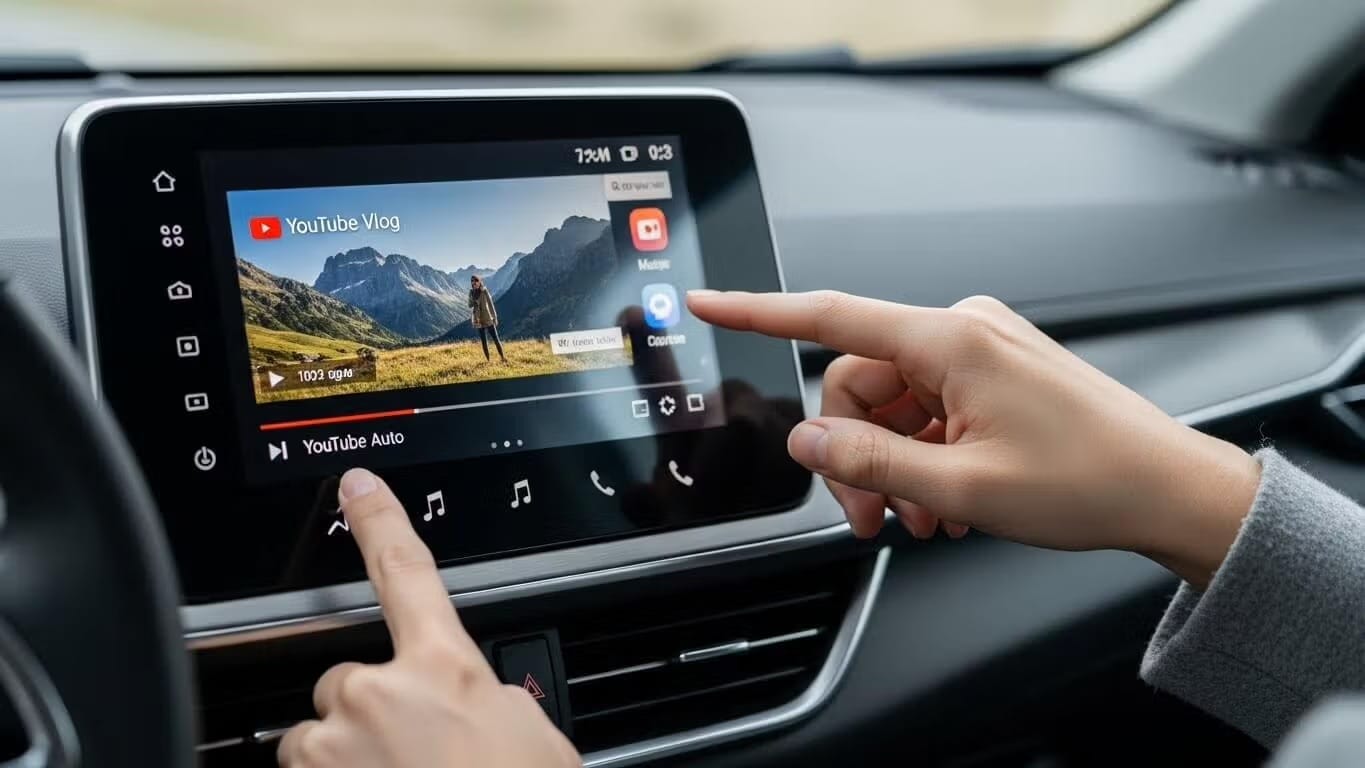
Quick Answer: YouTube is blocked on Android Auto by default, but you can watch it without root by installing CarStream, Fermata Auto, or AABrowser through AAAD. CarStream and AABrowser are the fastest to set up, AABrowser requires no install at all, and all three work on Android 14, 15, and 16.
- YouTube is blocked on Android Auto by default for safety reasons
- CarStream, Fermata Auto, Screen2Auto, AA Mirror Plus, and AABrowser all unlock it without root
- AABrowser needs zero installation, the rest install via AAAD with one setting change
- All methods are for parked use only
Best Solution: AAAD
AAAD is the easiest way to watch YouTube on Android Auto without root. Pick the option that fits your setup:CarStream — simplest YouTube-only experience, one-tap installFermata Auto — most stable on Android 14+, also plays local video and IPTVScreen2Auto — mirrors your full phone screen, works with any appAA Mirror Plus — advanced mirroring with split-screen controlsAABrowser — zero install, no APK, runs straight from the AAAD Web App
Download AAAD to get started.
YouTube is blocked on Android Auto by default, but you can unlock it without root by installing CarStream, Fermata Auto, or AABrowser through AAAD (Android Auto Apps Downloader). Download AAAD from aaad.app, select your app, enable Unknown Sources in Android Auto Developer Settings if required, and connect your phone to your car. No PC or root required. Works on Android 14, 15, and 16.
Android Auto is built for safety: navigation and audio only. YouTube video playback is blocked at the system level by Google's Gearhead service, the background process that manages the handshake between your phone and your car's head unit.
For parked use, EV charging stops, school pickup lines, rest breaks, that restriction is unnecessary. The good news is you can bypass it without rooting your phone, voiding your warranty, or connecting a PC. AAAD (Android Auto Apps Downloader) handles everything from your phone in a few taps.
This guide covers every no-root method available in 2026, including which app works best on Android 14, 15, and 16.
Which Apps Let You Watch YouTube on Android Auto?
| App | Best For | Android 14 / 15 / 16 | Install via AAAD |
|---|---|---|---|
| CarStream | Direct YouTube streaming, simple setup | ⚠️ Update to latest APK if it fails to launch on Android 15/16 | ✅ Yes |
| Fermata Auto | YouTube + local video + IPTV + web browsing | ✅ Recommended for Android 14+ | ✅ Yes |
| Screen2Auto | Full phone screen mirror, open any app including YouTube | ✅ Works reliably | ✅ Yes |
| AA Mirror Plus | Advanced mirroring with split-screen and custom controls | ✅ Works reliably | ✅ Yes |
| AABrowser | Zero-install YouTube and web browsing, no APK needed | ✅ Works on 15 & 16, 17 in active development | ✅ Via AAAD Web App, no APK |
How We Tested
We tested CarStream, Fermata Auto, and AABrowser firsthand on a Google Pixel 7 Pro running Android 16, connecting both wired and through the car's USB port. Install time and video playback quality were comparable across all three, with no meaningful difference in load speed or picture quality once each app was running.
The one issue we encountered was with CarStream on Android 16: the version installed initially failed to launch correctly. Updating to the latest CarStream APK resolved it immediately, with no further workaround needed. If you hit the same issue, check for an update before trying anything more complex.
Testing conducted by the AAAD editorial team using a Google Pixel 7 Pro running Android 16.
CarStream
Pros: Simple, one-tap install via AAAD. YouTube-native interface built specifically for car screens. Lightweight, fast to launch.
Cons: May fail to launch on first install on Android 15/16 until updated to the latest APK. YouTube only, no other video sources.
Fermata Auto
Pros: Most stable option on Android 14 and newer. Supports YouTube, local video files, IPTV, and web browsing in one app. Actively maintained.
Cons: Slightly more setup than a single-purpose app. Requires the companion Fermata Control app for full functionality.
Install Fermata Auto via AAAD →
Screen2Auto
Pros: Mirrors your entire phone screen, so any app works, not just YouTube. Full touch input support. Reliable across Android versions.
Cons: Requires opening YouTube on your phone first rather than launching directly from the car screen. Mirror quality depends on your head unit.
Install Screen2Auto via AAAD →
AA Mirror Plus
Pros: Easier setup than Screen2Auto for casual use. Clean interface with split-screen support. Reliable across Android versions.
Cons: Same phone-first launch requirement as Screen2Auto. Fewer advanced controls than Screen2Auto for power users.
Install AA Mirror Plus via AAAD →
AABrowser
Pros: Zero install, no APK, no Unknown Sources required. Fastest option to get started. Works on Android 15 and 16 with Android 17 in active development.
Cons: Requires an active data connection at all times. Cannot bypass DRM-protected streams like Netflix.
Open AABrowser via the AAAD Web App →
Which Should You Pick?
Want the simplest YouTube experience? Use CarStream. One-tap install, YouTube-native interface on your car screen.
On Android 14, 15, or 16? Use Fermata Auto. More stable on newer OS versions and supports YouTube, local video, and IPTV in one app.
Want to open any app, not just YouTube, on your car screen? Use Screen2Auto or AA Mirror Plus. These mirror your phone screen directly, so any app works.
Don't want to install anything at all? Use AABrowser. It runs through the AAAD Web App with no APK to sideload and no Unknown Sources toggle to manage, making it the fastest option to get YouTube running if you are starting from scratch.
What Is AAAD and How Does It Work?
AAAD, or Android Auto Apps Downloader, is an open-source app that downloads and installs unofficial Android Auto-compatible apps from trusted sources.
It tricks Android Auto into recognizing side loaded apps, bypassing Google Play restrictions. Available on GitHub, AAAD's free version limits you to one download every 30 days. The Pro upgrade is a one-time fee that unlocks unlimited downloads, which is useful for updates or for trying alternatives like Fermata Auto, CarStream, Screen2Auto, and AA Mirror Plus. AAAD also includes a Web App at aaad-app, where tools like AABrowser run directly in your phone's browser with nothing to install.
What Do You Need Before Installing These Apps?
Check these before installing:
Android version: Android 6.0 or higher. Android 14, 15, and 16 are supported.
Android Auto version: 11.0 or higher recommended. Update via the Play Store if needed.
Connection type: USB or wireless Android Auto both work. If wireless, ensure your phone and head unit are on the same Wi-Fi network.
Unknown Sources: Required for CarStream, Fermata Auto, Screen2Auto, and AA Mirror Plus. You will enable this in Android Auto Developer Settings during setup. AABrowser does not require this step since it runs through the AAAD Web App rather than as an installed app.
Google Play Protect warning: Expected for APK-based apps. AAAD is not distributed through the Play Store. Tap "Install anyway" when prompted. The warning is triggered by the distribution method, not a security risk.
Why Watch YouTube on Android Auto?
Android Auto prioritizes safety by blocking video to meet Driver Distraction guidelines. This limits you to maps and audio but parked users want more. YouTube has more than 2.70 billion monthly users worldwide, according to YouTube's own platform statistics, and many drivers and passengers want that same experience on a car screen. Rooting risks warranties, so no-root side loading via AAAD or alternatives is the go-to in 2026.
Key Benefits of No-Root Solutions
- Works on Android 6.0 through Android 16
- Simple phone-only setup, no PC required
- No developer options needed for basic installation
- Focused on parked use for safety
- Supports YouTube, local videos, IPTV, and full screen mirroring
- Open source with GitHub distribution and checksums for security
How Do You Install and Watch YouTube on Android Auto?
Download Installer: Start with AAAD from GitHub, or open the AAAD App directly for AABrowser.
Select and Install App: In AAAD, choose CarStream, Fermata Auto, Screen2Auto, or AA Mirror Plus. For AABrowser, launch it directly inside the AAAD Web App with nothing to install.
Enable Unknown Sources: Settings > Search "Android Auto" > Tap version 10x > Developer Settings > Toggle Unknown Sources. Skip this step if you are using AABrowser.
Connect and Launch: Wire or wireless connect, apps appear in launcher. For mirroring (Screen2Auto/AA Mirror), open YouTube on phone.
Troubleshooting: Common 2026 Errors
"No New Messages" or App Not Appearing in Android Auto? This is the most common issue, usually indicating Android Auto hasn't recognized the new app.
Solution: Double-check that you have enabled "Unknown Sources" in the Android Auto Developer settings (refer to the install steps above). If it still doesn't show, try restarting your phone and then reconnecting your USB cable to force a new "handshake" between your phone and car.
Video Freezing, Buffering, or Audio-Only Playback? Newer Android versions aggressively manage background processes, which can affect video apps.
Solution: Go to Settings > Apps > Fermata Auto > Battery. Select "Unrestricted" or "Don't optimize." This prevents Android from killing the app in the background.
Android 15/16 "Package Installer" Block or App Uninstalling Itself? Google Play Protect occasionally flags or removes sideloaded apps.
Solution: If Android blocks the initial installation or the app disappears, you may need to use KingInstaller (available as an option within AAAD Pro) to "spoof" the installation source more effectively.
CarStream "Black Screen" or "App Not Responding"? CarStream's compatibility can be hit-or-miss with the latest Android Auto updates.
Solution: Ensure you're using the absolute latest version of CarStream. This resolved the launch issue we encountered during testing on Android 16. If issues persist, consider switching to Fermata Auto for better stability, or AABrowser if you would rather avoid APK installs entirely.
Frequently Asked Questions
Is AAAD safe to use?
AAAD is open-source and distributed via GitHub. Every APK download includes a checksum that you can verify before installing. Google Play Protect warnings appear because AAAD is not distributed through the Play Store, not because it is malicious. The source code is publicly auditable at github.com/shmykelsa.
Does CarStream work on Android 15 and 16?
CarStream can have compatibility issues on Android 15 and 16 depending on your device and Android Auto version. In our testing, updating to the latest CarStream APK resolved launch failures immediately. Fermata Auto is the more stable choice on these versions if issues persist.
What is the difference between CarStream and Fermata Auto?
CarStream is a dedicated YouTube wrapper with a car-optimized interface. Fermata Auto is a broader media player that supports YouTube, local video files, IPTV streams, and web browsing. For YouTube only, CarStream has a simpler interface. For everything else, or for Android 14 and newer, Fermata Auto is the better long-term pick.
What is the difference between Screen2Auto and AA Mirror Plus?
Both mirror your phone screen to your car display. Screen2Auto is better suited for power users who want full touch input and a custom app launcher on their car screen. AA Mirror Plus is easier to set up and better for casual use with a cleaner interface. Both are installed via AAAD. See the full Screen2Auto vs AA Mirror Plus comparison for side-by-side details.
Do I need to enable Unknown Sources for AABrowser too?
No. Unknown Sources is only required for apps installed as an APK, such as CarStream, Fermata Auto, Screen2Auto, and AA Mirror Plus. AABrowser runs through the AAAD Web App in your phone's browser, so there is no APK to sideload and no Developer Settings to change.
Does YouTube Music work on Android Auto without AAAD?
Yes. YouTube Music is officially supported by Google and works natively on Android Auto without any third-party tools. This guide covers YouTube video playback only, which requires AAAD and a compatible app.
Can I use AAAD on a wireless Android Auto connection?
Yes. AAAD installs apps on your phone, not on your car. Once installed and configured, apps work with both wired and wireless Android Auto connections. The Unknown Sources setup only needs to be done once, and does not apply if you are using AABrowser.
Get Started Now
Whichever app fits your setup, AAAD makes installation simple and root-free. Download AAAD to get started, or see all supported apps to compare every option in one place.
SAFETY WARNING: PARKED USE ONLY
Accessing video content via Android Auto is intended strictly for stationary use such as EV charging, waiting for passengers, or rest stops. Distracted driving causes roughly 2.5 million crashes worldwide every year, with more than 1,000 people injured daily, based on global road safety estimates. Watching video while driving is illegal, dangerous, and violates the terms of service for both Google and your vehicle manufacturer. AAAD does not condone distracted driving.

Unlock the Power of Android Auto
Experience full customization. Download the official AAAD downloader and start running custom YouTube, mirror, and media apps in your car today.
Install AAAD Now