Eliza Faith
Author Profile

Eliza Faith

Contributor and tech writer on the official AAAD publication, helping drivers unlock restricted features and customise their Android Auto experiences.

📍Las Vegas
✍️28 Articles published
TwitterFacebook

Articles written by Eliza Faith

Can You Watch Live TV on Android Auto?
Article

Can You Watch Live TV on Android Auto?

Live TV apps like Hulu Live and DirecTV don't appear in Android Auto natively. Three AAAD-based methods let you stream live TV while parked - no root required.

Jul 16, 20266 min read
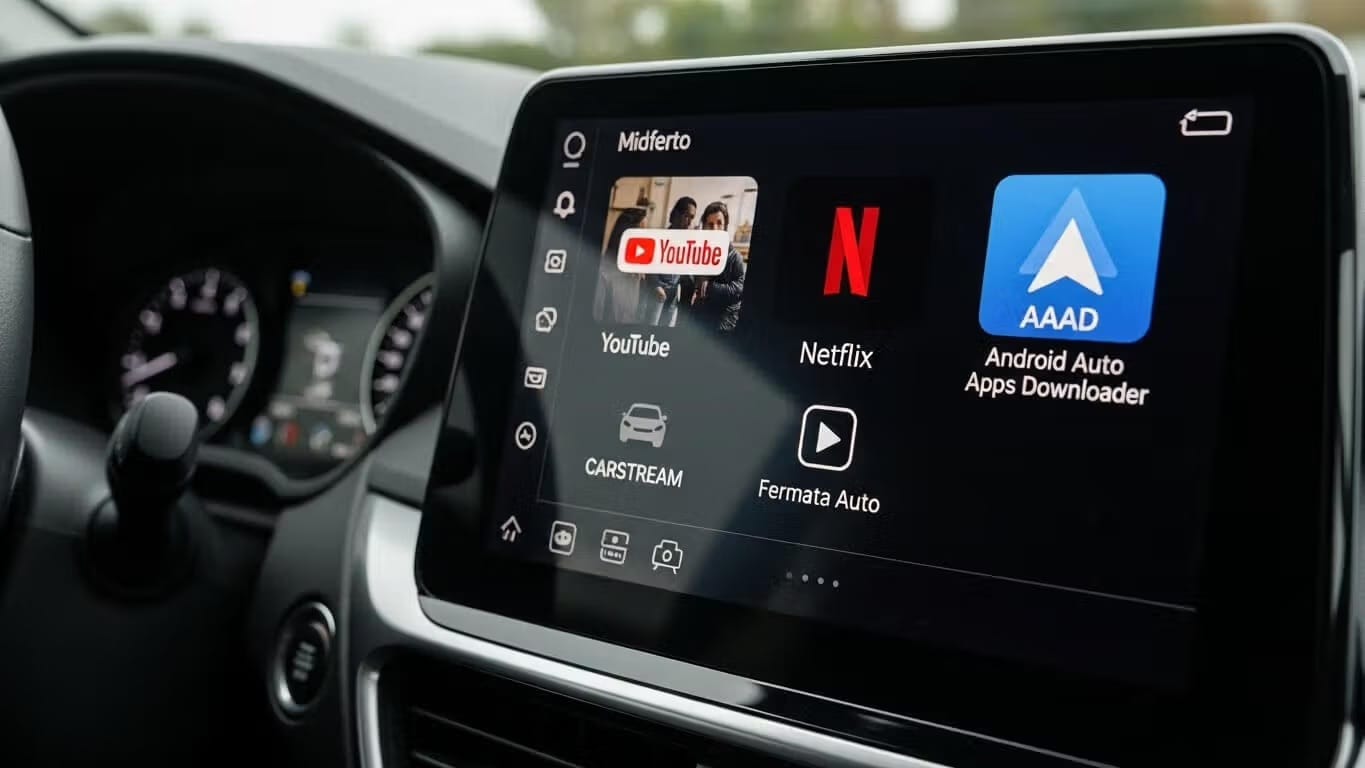
Android Auto Apps Not Showing? 4 Fixes That Work (2026)
Fix

Android Auto Apps Not Showing? 4 Fixes That Work (2026)

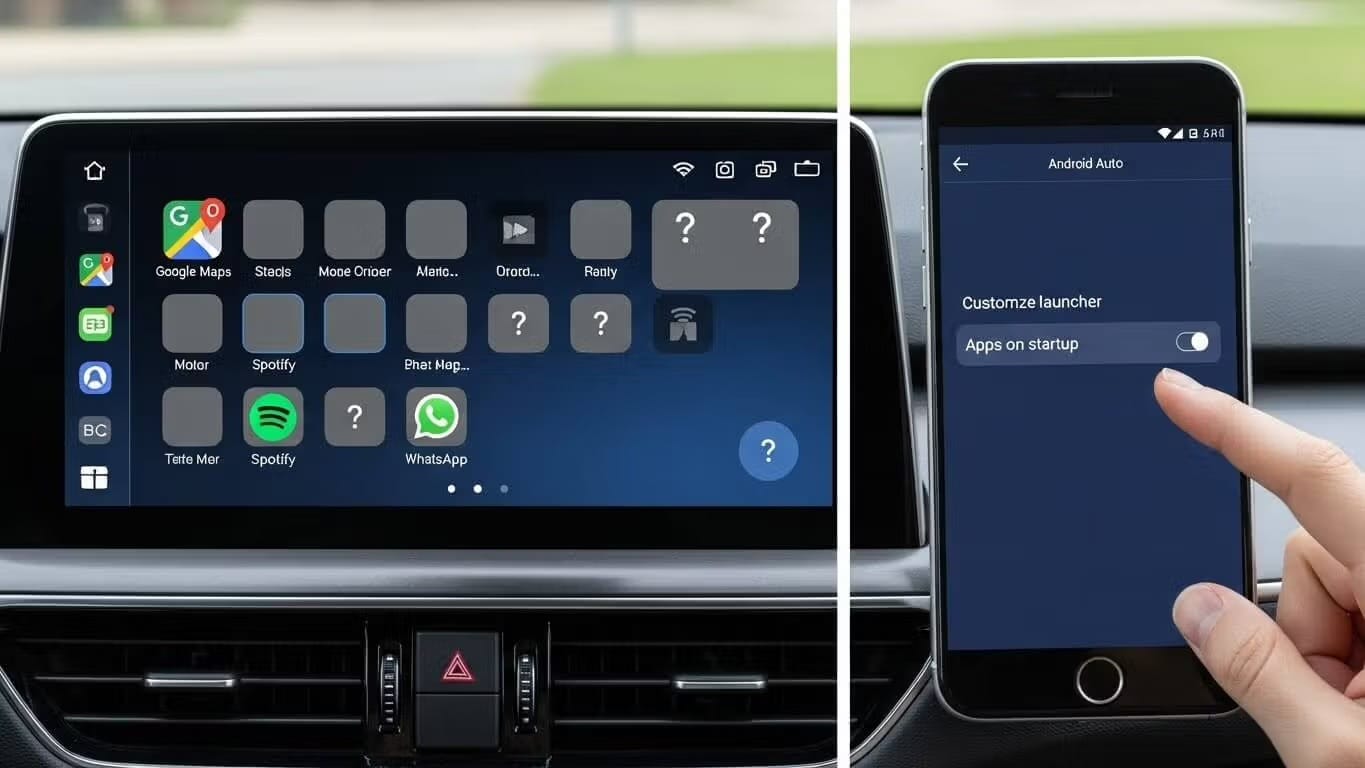
Are your favorite apps not showing up in Android Auto? You're not alone. Millions of users face this frustrating issue where apps mysteriously disappear from the Android Auto launcher. Quick Answer: Android Auto apps not showing is almost always caused by battery optimization putting the app to sleep. Open Settings → Apps → AAAD → Battery → set to Unrestricted, then check Customize Launcher in Android Auto settings to make sure the app isn't hidden. Reconnect to apply the fix. The good news? M

Jul 9, 20265 min read
How to Install CarStream on Android Auto | A Step-by-Step Guide (No Root Required)
Article

How to Install CarStream on Android Auto | A Step-by-Step Guide (No Root Required)

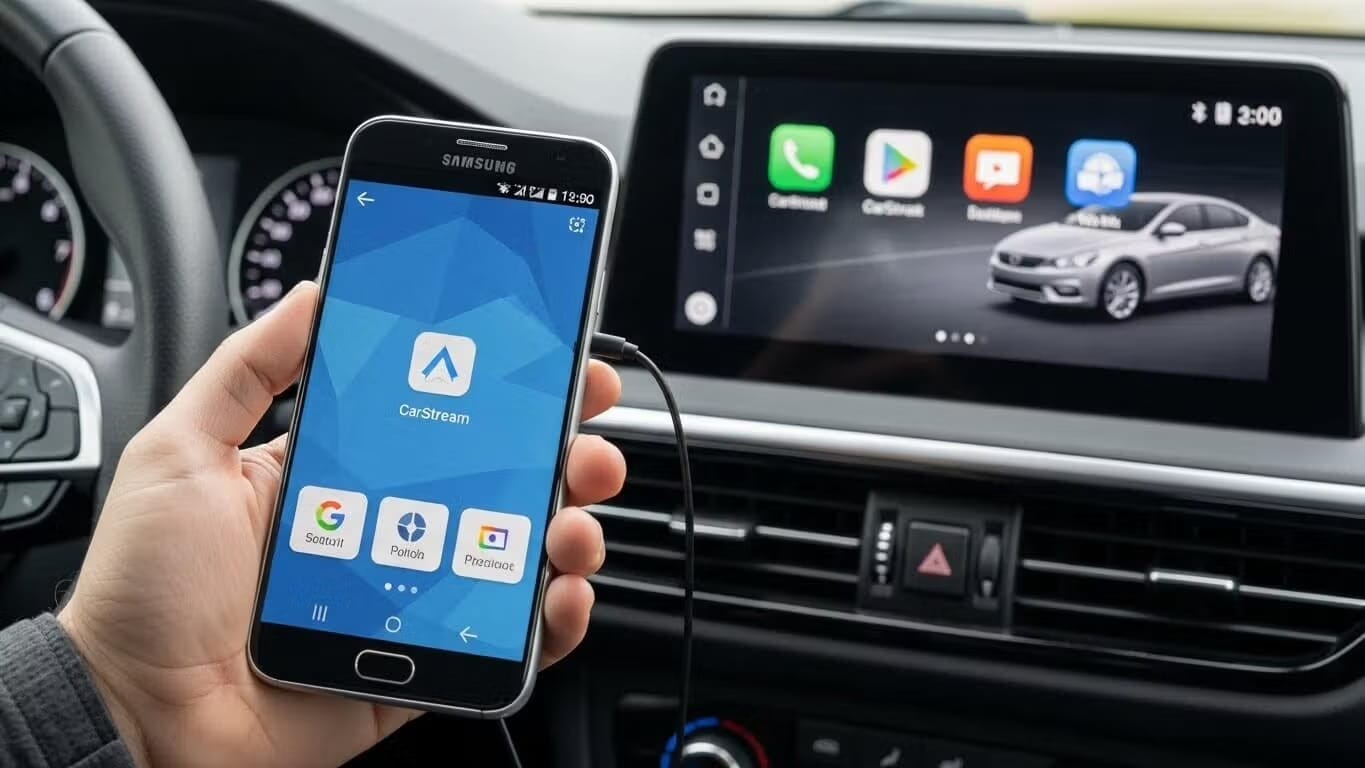
To install CarStream on Android Auto without root, download AAAD from GitHub, open it on your phone, select CarStream, and tap Install. Once installed, enable Developer Mode and Unknown Sources inside the Android Auto settings. Then connect your phone to your car — CarStream will appear in the Android Auto app launcher. The entire process takes under 5 minutes. Can you still use CarStream in 2026? Yes. CarStream remains the most widely used third-party YouTube app for Android Auto. It does not

Jul 8, 20266 min read
CarStream vs. Fermata Auto | The Ultimate Android Auto Video Player Comparison (2026)
Article

CarStream vs. Fermata Auto | The Ultimate Android Auto Video Player Comparison (2026)

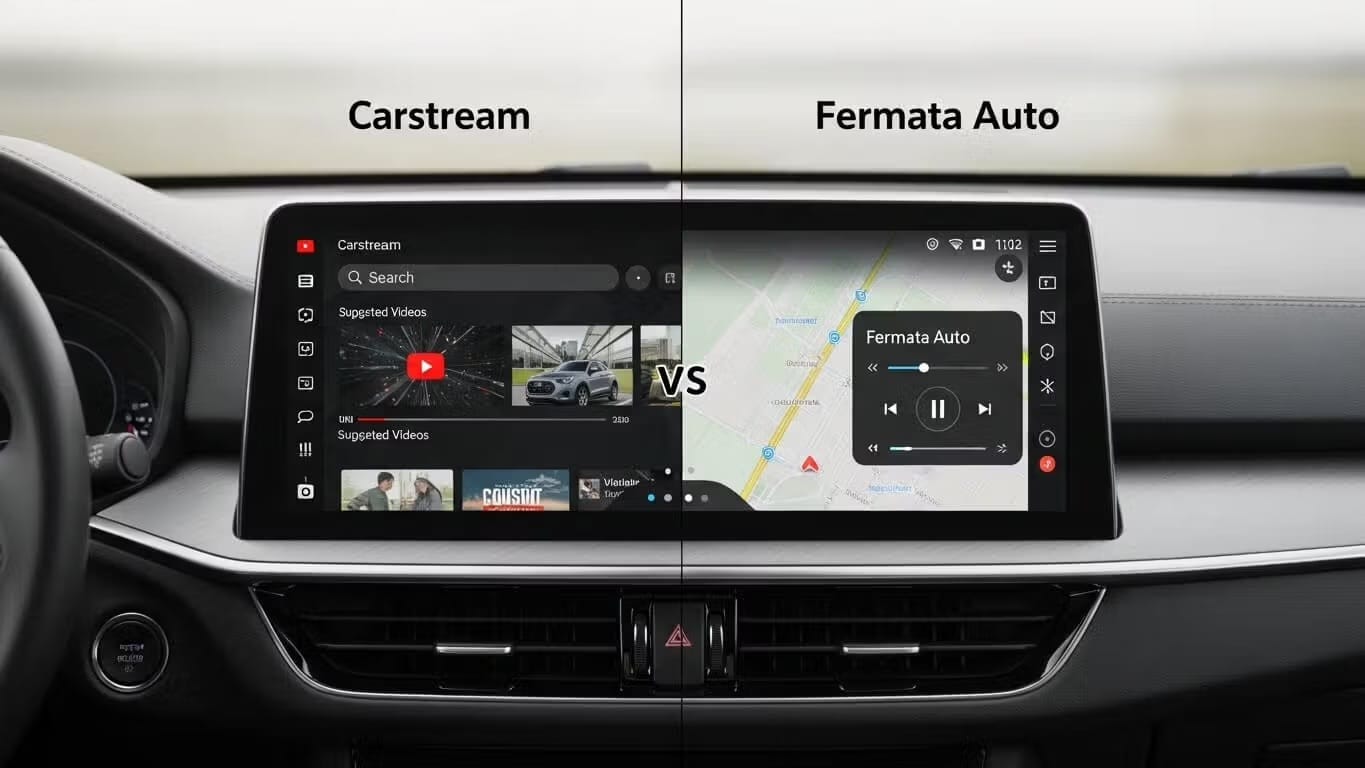
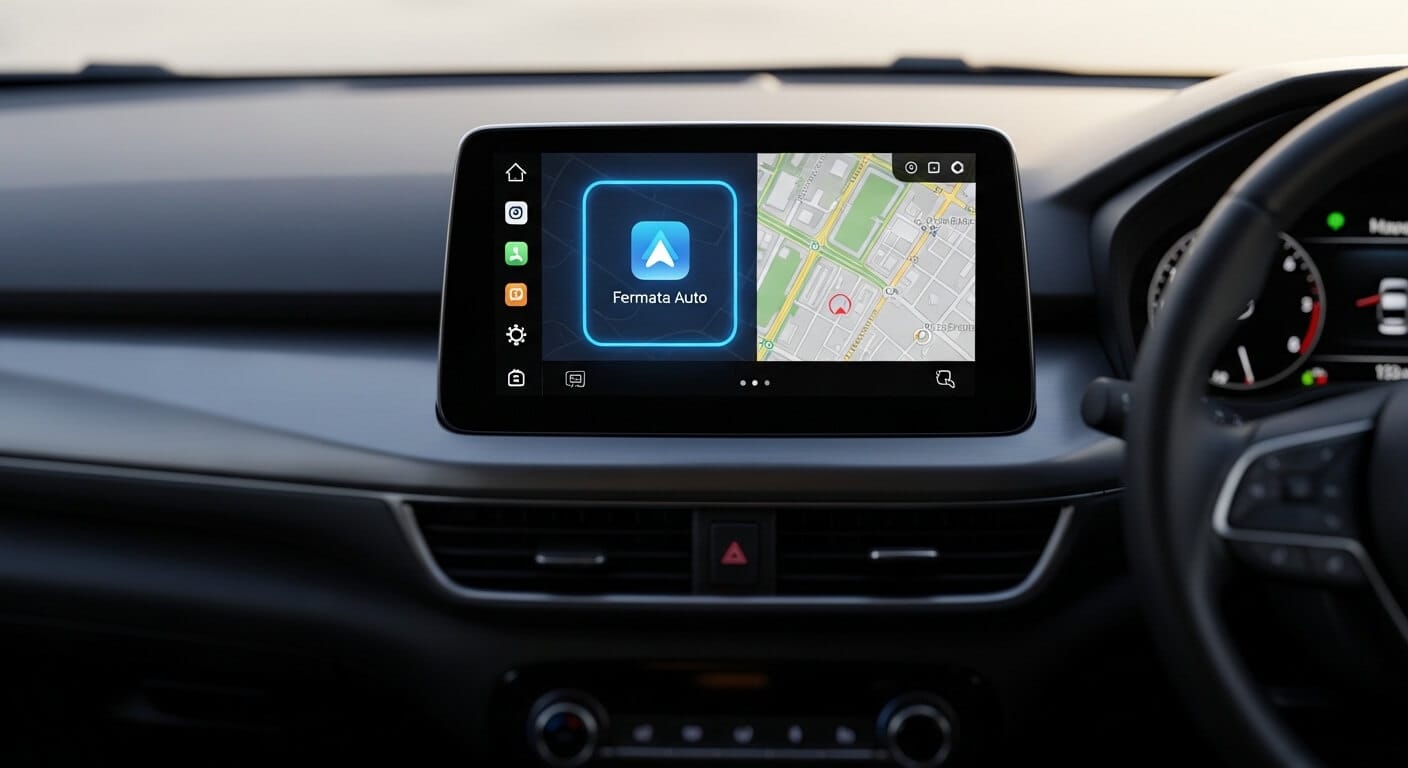
Quick Answer: Both apps install via AAAD without root. Choose CarStream if you only want YouTube with the simplest possible setup. Choose Fermata Auto if you need local video files, IPTV, web browsing, or are on Android 14, 15, 16, or 17. On Android 16 and 17, CarStream no longer works, so Fermata Auto or AABrowser is the way to watch video. If you want to watch videos on Android Auto, two apps dominate the conversation: CarStream and Fermata Auto. Both install via AAAD (Android Auto Apps Downl

Jul 6, 20265 min read
How to Install AA Passenger on Android Auto via AAAD
Article

How to Install AA Passenger on Android Auto via AAAD

Install AA Passenger on the driver's phone via AAAD and the companion app on the passenger's phone. No root required. Pairing and troubleshooting steps pending real-device testing.

Jun 28, 20264 min read
How to Install AA Mirror Plus on Android Auto | 2026 Guide
Article

How to Install AA Mirror Plus on Android Auto | 2026 Guide

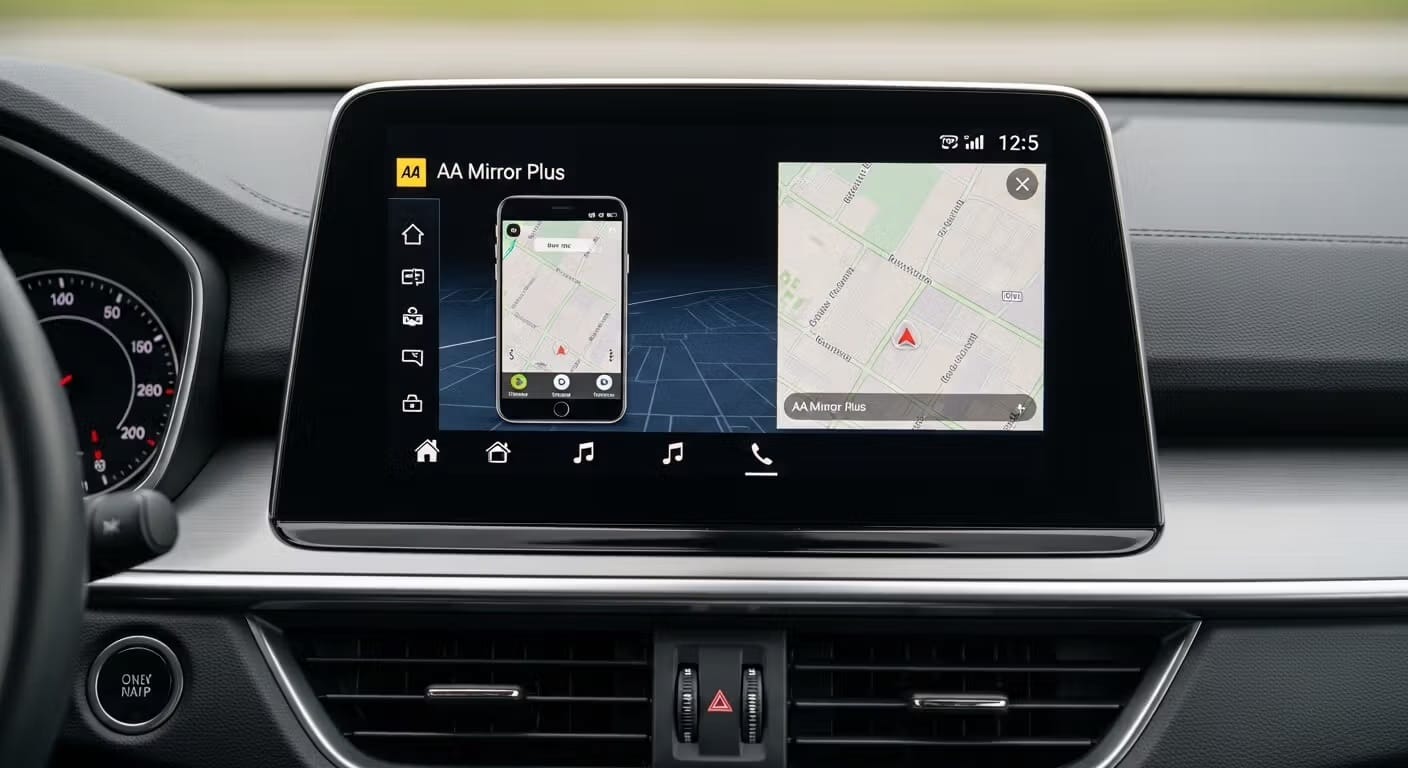
AA Mirror Plus mirrors your entire phone screen onto Android Auto, including YouTube, browsers, and any app. Install it without root using AAAD: download AAAD, select AA Mirror Plus, install, restart your phone, then connect to your car. Takes under 10 minutes. No root. No PC. No developer options beyond a one-time setup. Install AA Mirror Plus Tired of Android Auto's restrictions? Want full access to your phone's apps, like YouTube, browsers, or productivity tools, right on your car's display

Jun 27, 20267 min read
How to Watch YouTube on Android Auto (No Root) | 2026 Guide
Article

How to Watch YouTube on Android Auto (No Root) | 2026 Guide

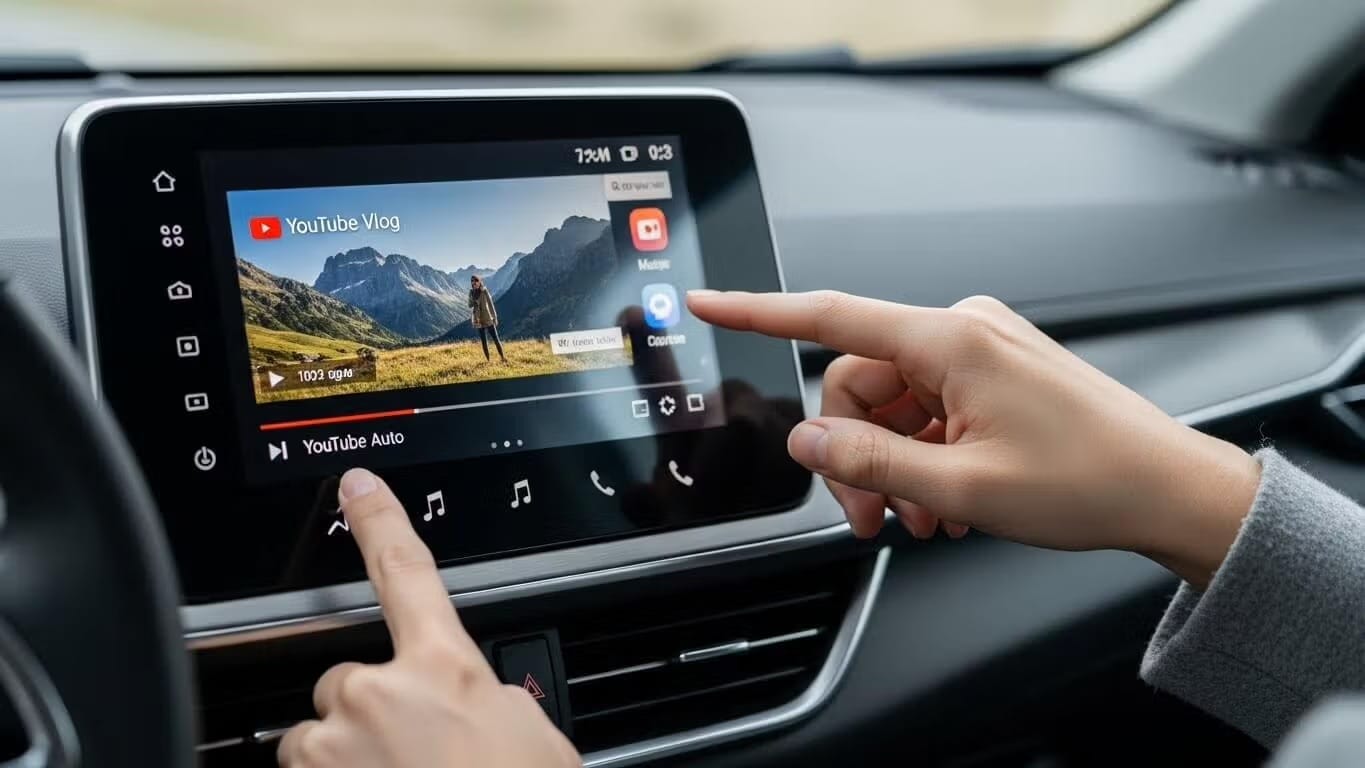
Quick Answer: YouTube is blocked on Android Auto by default, but you can watch it without root by installing CarStream, Fermata Auto, or AABrowser through AAAD. CarStream and AABrowser are the fastest to set up, AABrowser requires no install at all, and all three work on Android 14, 15, and 16. * YouTube is blocked on Android Auto by default for safety reasons * CarStream, Fermata Auto, Screen2Auto, AA Mirror Plus, and AABrowser all unlock it without root * AABrowser needs zero installation,

Jun 21, 20268 min read
Install AABrowser on Android Auto via AAAD
News

Install AABrowser on Android Auto via AAAD

AABrowser is AAAD's web browser for Android Auto - watch YouTube and browse the web with no APK install and no root. Covers setup, capabilities, and Android version support.

Jun 20, 20264 min read
Android Auto Setup | The Complete Guide for 2026
News

Android Auto Setup | The Complete Guide for 2026

Everything you need to set up Android Auto in 2026 - wired and wireless connection, device compatibility, first-time configuration, and customizing your app launcher.

Jun 19, 20267 min read
How to Watch YouTube on Android Auto | Android 17 Guide 2026
Article

How to Watch YouTube on Android Auto | Android 17 Guide 2026

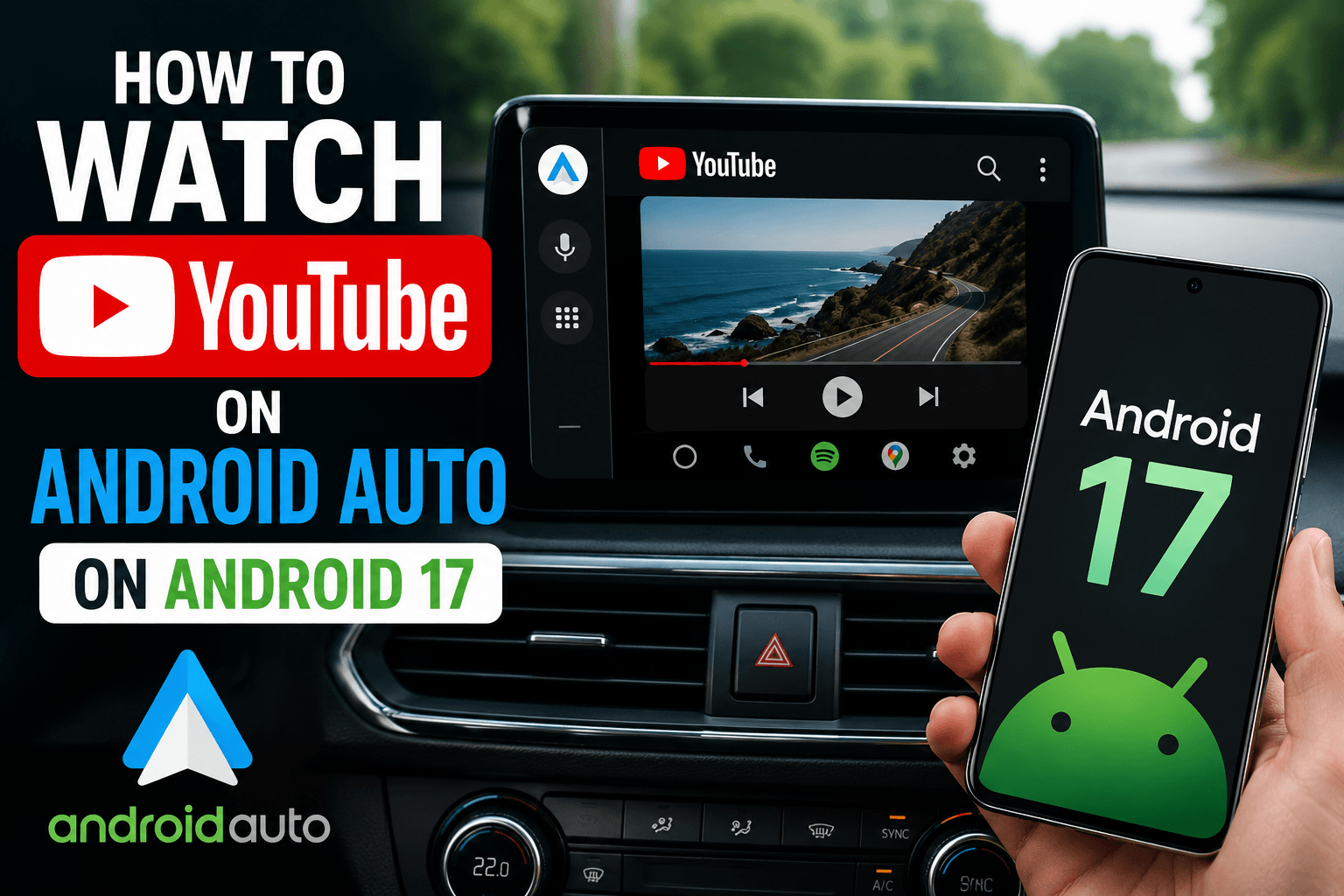
Android 17 is the first Android version to bring official YouTube support to Android Auto. But native support depends on your car manufacturer enabling it — and for most drivers, that rollout won't happen overnight. If you have Android 17 and want YouTube on your car screen right now, there is already a working solution that requires no root and no APK sideloading. Quick Answer: To watch YouTube on Android Auto with Android 17, use AABrowser — available through the AAAD Web App at pwa.aaad.app.

May 23, 20265 min read
How to Install Fermata Auto on Android Auto Without Root (2026)
Article

How to Install Fermata Auto on Android Auto Without Root (2026)

Fermata Auto is a free, open-source media player for Android Auto that plays local video files, IPTV playlists, and streaming content — no root required. To install: download AAAD, tap Fermata Auto, install the APK, then install Fermata Control (required companion). Enable Unknown Sources in Android Auto Developer Settings, connect to your car, and Fermata Auto will appear in the launcher. Want to play local videos, IPTV playlists, or stream content on your car's display without rooting your ph

Apr 20, 20267 min read
Screen2Auto vs. AA Mirror Plus | The Ultimate Android Auto Mirroring Guide 2026
Article

Screen2Auto vs. AA Mirror Plus | The Ultimate Android Auto Mirroring Guide 2026

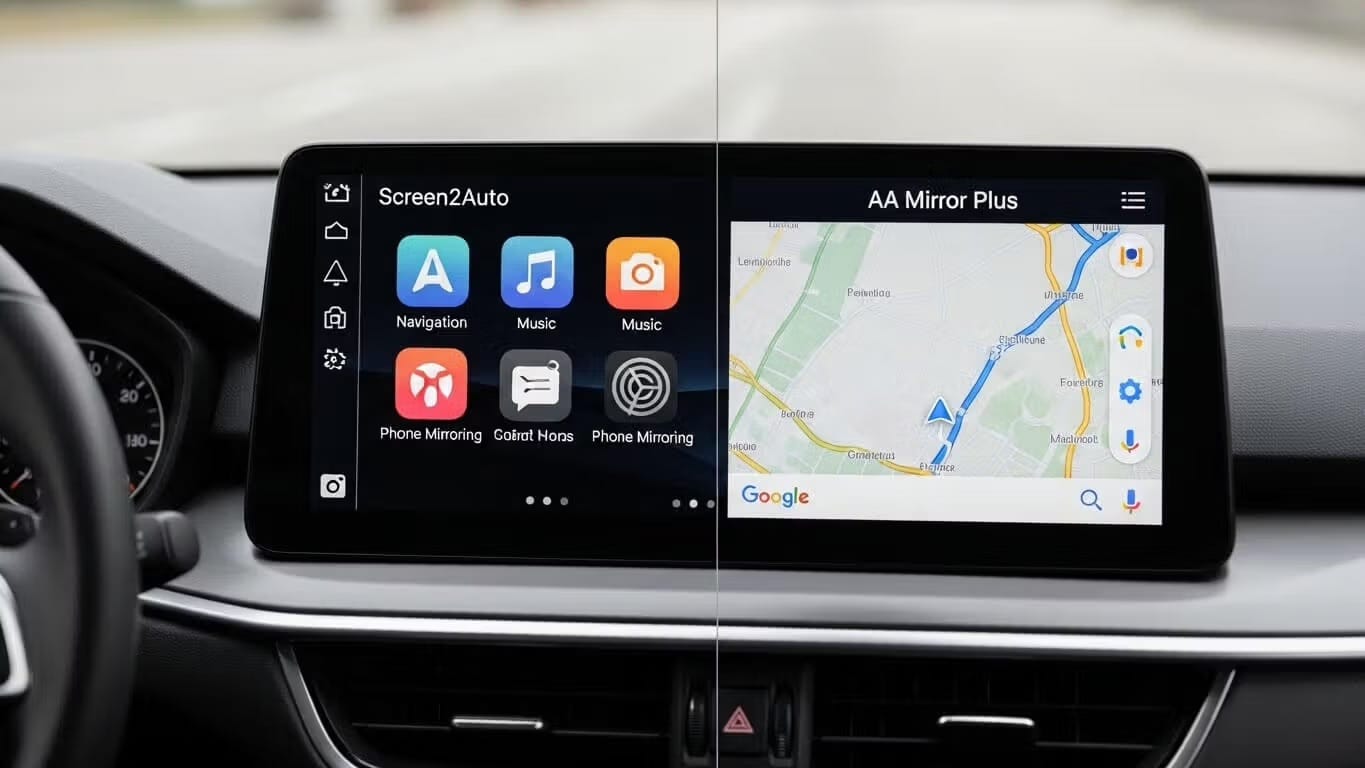
Screen2Auto and AA Mirror Plus are the two leading Android Auto mirroring apps in 2026, both installable without root via AAAD. Screen2Auto is best for power users who want a full app launcher and touch controls on their car screen. AA Mirror Plus is best for casual users who want simple, plug-and-play phone mirroring for their car display. Android Auto is an incredible tool for navigation and music, but it comes with strict restrictions. By default, you cannot watch YouTube, stream Netflix, or

Apr 19, 20265 min read
The Ultimate User Guide to AA AIO Tweaker - Unlock Your Android Auto
Article

The Ultimate User Guide to AA AIO Tweaker - Unlock Your Android Auto

If you drive a modern vehicle, you know that Android Auto is excellent for navigation and music, but it often feels like a "nanny" system. Google places strict limitations on what you can do on your car's screen. Enter AA AIO Tweaker (Android Auto All-In-One Tweaker). This utility has become the go-to solution for enthusiasts looking to bypass restrictions and customize their infotainment experience. This guide covers everything you need to know about AA AIO Tweaker, including its features, li

Apr 16, 20264 min read
Why Android Auto Apps Are Not Appearing on Samsung | Complete Troubleshooting Guide 2026
Fix

Why Android Auto Apps Are Not Appearing on Samsung | Complete Troubleshooting Guide 2026

If you own a Samsung Galaxy phone and your Android Auto apps keep disappearing, you're not alone. This is one of the most common complaints from Galaxy S25, S26, and S24 Ultra users throughout 2025-2026. Quick Solution: If you're looking to install third-party apps like CarStream or Fermata Auto on Android Auto, AAAD (Android Auto Apps Downloader) lets you do it without root, without a PC, and without messing with developer options. The main culprit? Samsung's aggressive battery optimization a

Apr 16, 20268 min read
How to Fix "No New Messages During This Drive" on Android Auto | A Complete Guide
Fix

How to Fix "No New Messages During This Drive" on Android Auto | A Complete Guide

Why does Android Auto show "No new messages during this drive"?There are two separate causes. If you use CarStream, Fermata Auto, or another AAAD app: this message is a generic placeholder Android Auto displays when a third-party app fails to load it has nothing to do with text messages. The fix is enabling Developer Mode and Unknown Sources in Android Auto settings. If you use standard Android Auto without third-party apps: this is a known bug in Android Auto version 16.0 that breaks messaging

Apr 16, 20264 min read
How to Install Third-Party Apps on Android Auto | The Ultimate Guide (2026)
Article

How to Install Third-Party Apps on Android Auto | The Ultimate Guide (2026)

Android Auto has transformed the driving experience, providing safe access to navigation, music, and messaging. However, many users find the official app selection restrictive. Google strictly blocks video playback apps like YouTube and Netflix to prevent driver distraction. If you want to unlock your car display's full potential whether to watch YouTube while parked or mirror your phone screen you need to look beyond the Google Play Store. This guide explains how to safely use third-party tool

Apr 16, 20264 min read
How to Mirror Phone Screen to Android Auto (2026 Guide)
Article

How to Mirror Phone Screen to Android Auto (2026 Guide)

To mirror your phone to Android Auto in 2026, use AAAD (Android Auto Apps Downloader) to sideload a screen mirroring app — no root required. Download AAAD from aaad.app, install either Screen2Auto (full app launcher and touch control) or AA Mirror Plus (simple one-tap casting), then enable Unknown Sources in Android Auto Developer Settings. The mirroring app will appear in your Android Auto launcher within minutes. Android Auto limits its app ecosystem for safety reasons — navigation, audio, an

Apr 16, 20265 min read
How to Play Videos on Android Auto While Driving | The Ultimate Guide for 2026
Article

How to Play Videos on Android Auto While Driving | The Ultimate Guide for 2026

Want to play videos on Android Auto? You're not alone. Millions of drivers and passengers are looking for ways to unlock video playback on their car's infotainment system. While Google officially restricts video apps on Android Auto for safety reasons, there are legitimate third-party solutions that let you enjoy YouTube, Netflix, and other streaming content when safely parked. In this comprehensive guide, we'll show you exactly how to play videos on Android Auto using apps like AAAD (Android A

Apr 16, 20264 min read
How to Update AAAD Apps Without Losing Data (2026 Guide)
Article

How to Update AAAD Apps Without Losing Data (2026 Guide)

To update apps installed via AAAD without losing your settings, playlists, or bookmarks, you must perform a manual update rather than uninstalling the app first. AAAD apps do not update through the Google Play Store, so updates are handled by installing the new APK over the old one. Download AAAD As long as the app signature matches, Android performs an "In-Place Update," which preserves all user data. Never uninstall the old version first, as this triggers a permanent data wipe of your app pr

Apr 16, 20266 min read
Best Android Auto Entertainment Apps in 2026
Article

Best Android Auto Entertainment Apps in 2026

The best Android Auto entertainment apps in 2026 are Spotify and YouTube Music for music, Pocket Casts for podcasts, and Fermata Auto or CarStream (installed via AAAD) for video playback without the parked-only restriction. Audio apps work natively from the Play Store. Video apps require AAAD — no root needed. Android Auto handles music, podcasts, and audiobooks well out of the box. Spotify, YouTube Music, Poweramp — these all work natively, integrate with voice commands, and require nothing be

Apr 16, 20265 min read
Best Video Apps for Android Auto in 2026 | The Ultimate Guide
Article

Best Video Apps for Android Auto in 2026 | The Ultimate Guide

Android Auto has transformed the way we interact with our vehicles, offering seamless navigation, music, and calls. However, in 2026, one feature many users crave easy video playback remains restricted for safety reasons. While Google is gradually introducing official video support for parked vehicles, third-party solutions continue to lead the way. Enter Android Auto Apps Downloader (AAAD), your key to unlocking advanced video capabilities without rooting your device. In this comprehensive gui

Apr 16, 20265 min read
Android Auto Third-Party Apps Not Working? The Ultimate Fix Guide 2026
Fix

Android Auto Third-Party Apps Not Working? The Ultimate Fix Guide 2026

Are your sideloaded apps like CarStream, Fermata Auto, or Screen2Auto missing from your car’s dashboard? It’s a familiar frustration for power users in 2026: you’ve used AAAD (Android Auto Apps Downloader) to install the perfect multimedia app, but when you plug into your vehicle, the icon is nowhere to be found or worse, it launches to a black screen. Download AAAD As the Android ecosystem evolves, Google’s restrictions on automotive software have tightened. By default, the system aggressive

Apr 16, 20265 min read